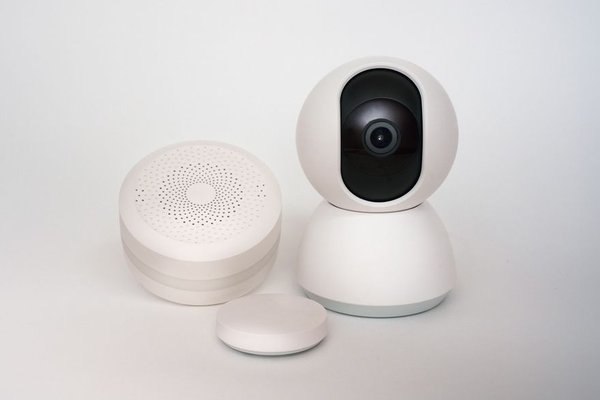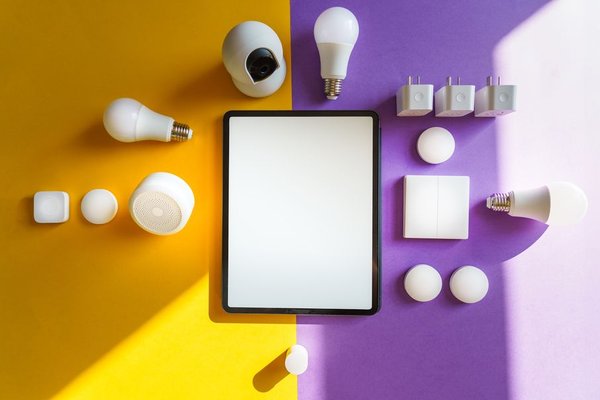
A smart bulb that works in one app but not another can turn a simple purchase into an annoyance. Add a door sensor that needs its own hub and a thermostat that cannot join your routines, and your smart home feels like several separate systems. Checking smart home device compatibility before buying means confirming what each device can actually do in your home.
Start with your preferred platform, then check the device’s connection method, controller requirements and available controls. That sequence helps avoid products that technically connect but cannot perform your intended automation.
Choose the ecosystem that will control your devices
Decide where everyday control should happen: Apple Home, Google Home, Amazon Alexa, Samsung SmartThings or another supported platform. A manufacturer’s app may offer full functionality while your preferred smart home ecosystem exposes only basic commands. Check the exact product model on the manufacturer’s compatibility page, not just the brand’s general promises.
For shared households, consider everyone’s phones and voice assistants. A product might pair with one person’s account but complicate access for others. Confirm whether remote access, household sharing and scheduled automations require a supported hub or subscription.
If you are still choosing a platform, compare how each handles sensors, scenes and permissions in our guide to choosing a smart home ecosystem.
Look beyond the Matter logo
Matter is a smart home interoperability standard designed to let certified devices work with multiple compatible platforms. It can reduce dependence on one brand, but the logo does not guarantee identical features everywhere. A platform must support that Matter device type, and advanced settings may remain exclusive to the manufacturer’s app.
Check three things: whether your exact model is Matter-certified, whether your controller supports its device category, and whether your desired feature is available there. A smart light’s on/off and brightness controls might appear across platforms while a proprietary lighting effect does not.
Matter also supports sharing compatible accessories between ecosystems through multi-admin functionality. Setup steps vary, so follow each platform’s current instructions rather than assuming one pairing automatically adds the device everywhere.
Understand the wireless protocol
Wi-Fi and Ethernet
Wi-Fi devices generally communicate through your router; some use a manufacturer’s cloud for control or automation. Check whether the device needs a 2.4 GHz network, whether router security settings are supported and whether essential functions survive an internet outage. Ethernet is common on hubs and some fixed devices.
Thread
Thread is a low-power mesh technology used by some Matter accessories. A Matter-over-Thread device needs a compatible Thread border router to connect with the wider home network. A regular Wi-Fi router does not automatically fulfil that role. Thread support on the accessory and border-router support in the home are separate checks.
Zigbee and Z-Wave
Many sensors, switches and bulbs use Zigbee or Z-Wave. They ordinarily require a compatible hub supporting the relevant protocol and device. Matching the radio technology alone does not prove full functionality. Some hubs expose selected accessories to Matter platforms through a bridge, but the available controls depend on that bridge.
Our overview of smart home wireless protocols helps when comparing battery-powered sensors with Wi-Fi products.
Check whether a hub, controller or bridge is required
These terms are easy to confuse. A Matter controller manages compatible Matter accessories. A Thread border router connects a Thread network to the home’s IP network. A brand-specific bridge translates communication from some Zigbee or proprietary devices. One box may perform several roles, but not every box does.
Before checkout, inspect setup requirements and your existing hub’s model number. Some smart speakers support Matter over Wi-Fi but lack Thread border-router capability; others support both. Verify software requirements too. An older hub might need an update or might not support the new device category.
Check the features you will actually use
Smart device compatibility has two layers: connecting and doing what you expect afterward. A thermostat might show its temperature but not all scheduling options. A sensor might report motion in its own app without making that event available as an automation trigger in your preferred platform.
Write down the actions you need: voice control, local operation, notifications, scenes, family access, remote control or a specific trigger. Read supported-feature documentation and product release notes. Claims such as “works with” are a starting point, not a substitute for checking the exact workflow.
If automation is your goal, our smart home hub comparison explains why the controller matters as much as the accessory.
Try the bedtime routine test
Imagine wanting a hallway motion sensor to turn on a lamp at low brightness after 10 p.m., then switch it off two minutes later. The sensor and bulb may both appear in your app, yet the routine can fail if motion is unavailable as a trigger or brightness cannot be set through that automation.
Check the sensor’s supported events, the bulb’s controls and the automation platform’s conditions before buying. If a bridge is needed, include its cost and placement. This scenario tests connected device support better than product logos alone.
A checklist for the product page
Confirm the exact model and hardware revision, supported ecosystem, Matter certification if advertised, wireless protocol, necessary controller or bridge, and supported features. Then check phone operating system requirements, firmware updates, return policy and subscription-dependent functions.
For an unfamiliar product, consult the manufacturer’s setup guide for your combination of hub and phone. Record which app owns the accessory and where automations will run. Fewer overlapping control systems generally simplify troubleshooting and upgrades.
Frequently asked questions
Does Matter mean every smart device works together?
No. The accessory and platform must support the relevant Matter device type, and some features may not transfer between platforms. Matter improves interoperability; it does not erase every difference.
Do Matter devices always need a hub?
Requirements vary by ecosystem, device and intended feature. A supported Matter controller may be needed for ongoing platform control and automations. Matter-over-Thread accessories also need a Thread border router, potentially built into that controller.
Can Zigbee accessories work with Apple Home or Google Home?
Sometimes. A compatible bridge may expose supported Zigbee accessories to those platforms. Check the particular accessory and bridge combination because not every feature necessarily transfers.
Will compatible devices work without internet?
Some local controls may continue while cloud-based features stop. Check each product’s documented offline behavior rather than assuming it from the protocol alone.
Build around the routine, not the logo
The best buying decision starts with the outcome you want: a light responding to a sensor, a thermostat following a schedule or a lock shared with the household. Verify the ecosystem, connection, required hardware and automation features in that order. A little checking before purchase can save a drawer full of unwanted hubs and a home full of disconnected apps.